
Member wiki
The answers your members keep giving, written down once.
Members write and fix pages from the front end, wiki links join them up, and every save keeps the version before it. The same question stops getting asked in the forum.
- 4.8/5 on Trustpilot
- 30-Day Money-Back Guarantee
- Standalone or With BuddyPress
- WordPress 6.9 Tested
- GPL Licensed
Why the same question keeps coming back
Your community has answers.
They are just hard to find.
-
Buried in forum threads
Answered once, then pushed down by hundreds of newer posts.
-
In pinned posts nobody reads
Static, admin-only and out of date soon after publishing.
-
In FAQs only the admin can update
One person decides when the community's knowledge gets fixed.
-
In emails and DMs that disappear
Every private answer is lost to the next member who asks.
WB Member Wiki gives that knowledge a searchable home that members maintain together.
Who writes it
Open to every member, with the brakes where you want them
A wiki only fills up if the people who know things are allowed to type. This one starts fully open and gives you three separate ways to narrow that.
-
Anyone signed in can start a page
Every role from subscriber upward can create a wiki page and edit somebody else’s, which is what makes it a wiki rather than a documentation site with one author.
-
Two people cannot collide
Opening the editor takes a lock for two minutes, and a draft saves itself every thirty seconds without touching what readers currently see.
-
Every save keeps the old one
Revisions are ordinary WordPress revisions, so the history is real and a bad edit is one restore away rather than a support ticket.
-
Some pages stop being open
Mark a page protected and it becomes admin-only to edit, which is the right answer for the handful of pages that should not move.
If you want a review step
Moderation is off, and switching it on has a catch
Out of the box edits publish immediately. You can put chosen roles behind review instead, and their pages then wait in a pending queue with an email to you when one arrives.
The catch is worth knowing before you flip it: a moderated member editing a page that is already live takes that page off the site until somebody approves it. On a busy reference page that is a surprise, so moderate the roles you do not trust yet rather than everybody.
Tighten this at the same time
Approval rights come from the same list that controls who may edit other people’s pages, and that list ships holding every role. Turn moderation on without narrowing it and your moderated members can approve each other.
A working wiki in three steps
Wiki contributions show up on member profiles
When BuddyPress or BuddyBoss is active, each profile gets a Wiki tab. It counts the pages a member created and edited, with a button to write another.
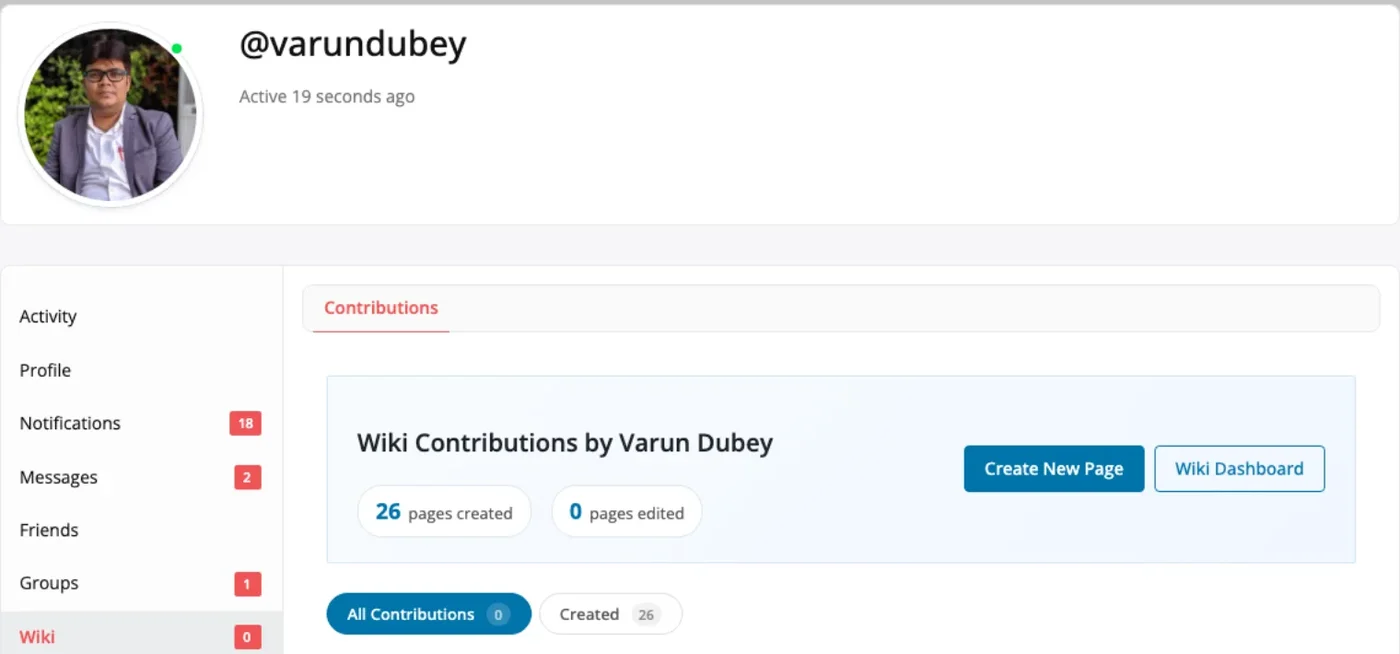
The Wiki tab on a BuddyPress profile, with pages created, pages edited and buttons to write or open the dashboard.
What members can do in the wiki
The tools members use to write, fix and find pages, plus the controls you keep as the site owner.
-
Revision history with restore
Every save is a revision. Compare any revision against the current page side by side, and restore it in a click.
-
[[Wiki links]] between pages
Type [[Page Title]] to link a page. Missing pages show as red links that open the create form.
-
Role permissions and approval
Choose which roles create, edit others' pages, delete and protect. Moderated roles send pages to Pending Review.
-
Edit locking and auto-save
Others see who is editing a page. Drafts auto-save every 30 seconds by default.
-
Watchlist emails
Members watch pages and get an HTML email when a watched page changes, with a link to its history.
-
Automatic table of contents
Pages with three or more headings get a collapsible contents box. There is nothing to insert.
-
Search with a gap report
Search suggests pages as members type. Searches that find nothing are logged on the Overview tab.
-
Profile tabs for community plugins
BuddyPress, BuddyBoss and PeepSo profiles show each member's wiki contributions.
-
Imports from three platforms
Bring pages in from MediaWiki XML, Notion Markdown ZIP or Confluence HTML ZIP exports.
-
62 hooks and template overrides
25 filters, 37 actions and theme template overrides. Wiki pages, categories and tags are in the REST API.
The wiki your members use every day
The Wiki Dashboard: search, category filters, the page list and links to recent changes and the watchlist.
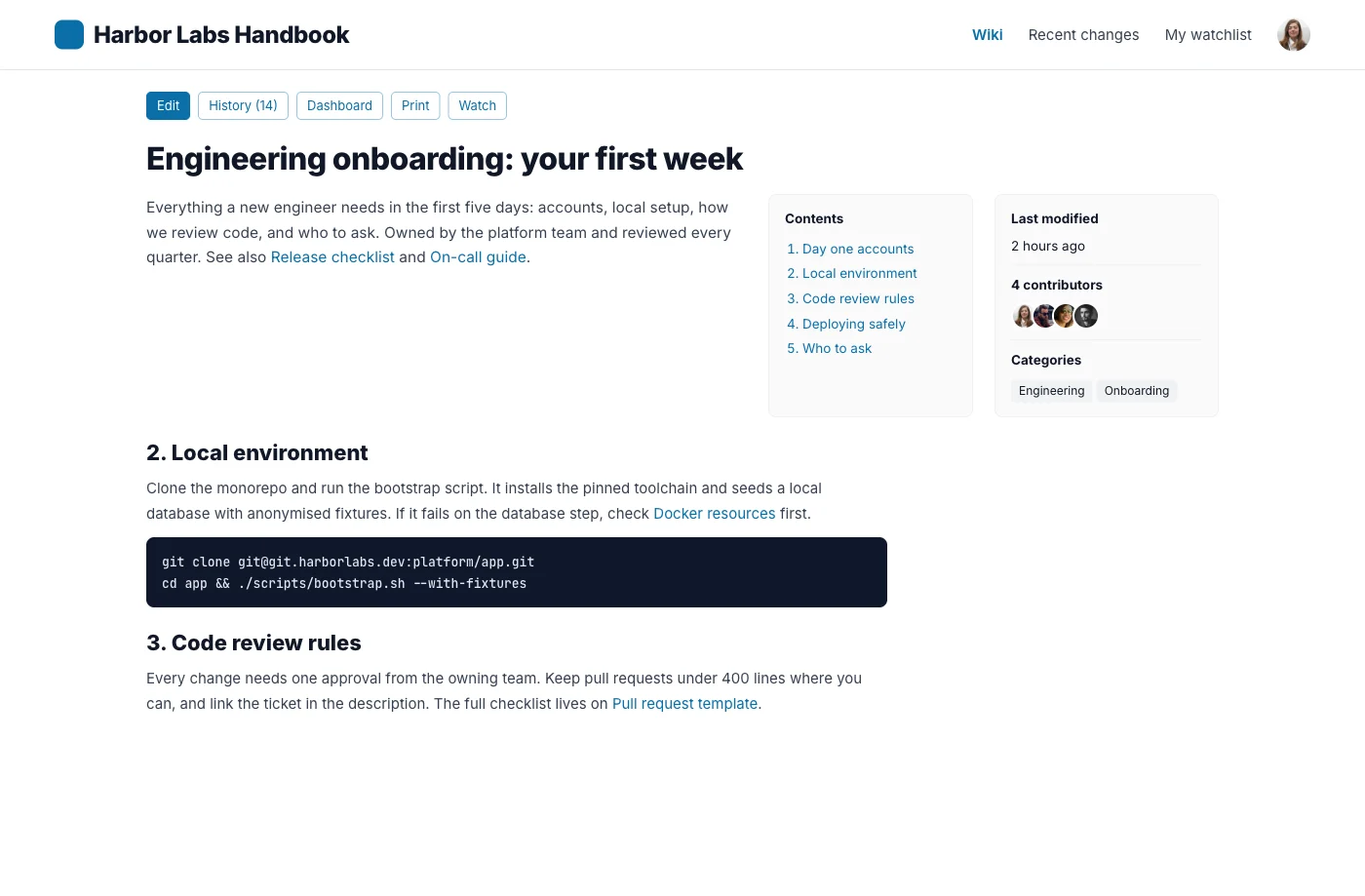
A wiki page with its contents box, contributor, categories, tags and sub-pages.
Linked pages inside the text and a helpful vote at the end of the page.
Permissions by role: create, edit others' pages, delete, protect and moderated roles.
The Import tab with MediaWiki, Notion and Confluence importers. Duplicate titles are skipped.
Rated 4.8/5 on Trustpilot from 93 reviews
I am very pleased with our collaboration! The team always responds quickly to requests and is ready to help. Excellent service, reliable support, and high-quality tools.
Diego
Trustpilot Review
Their BuddyPress and WordPress plugins are reliable, well-coded, and really add value to my site. What impressed me most was the support team.
Natalie Clarke
Trustpilot Review
It has been a very pleasurable experience working with Wbcom Designs. Her team completed every task we requested in a quick and decisive manner. We highly recommend!
Real America's Voice News
Trustpilot Review
Every feature on every license. Pick a site count.
Pay once and own it forever, or pick the annual plan. All features included in every plan, no hidden add-ons.
- 1 site license
- Every feature included
- MediaWiki, Notion & Confluence importers
- BuddyPress, BuddyBoss & PeepSo integration
- Updates and support, annual or lifetime
- 5 site licenses
- Updates and support, annual or lifetime
- Priority support
- Unlimited site licenses
- Updates and support, annual or lifetime
- Priority support
The plugin keeps working. Updates and support stop until you renew.
Annual licenses include a year of updates and support and renew at 30% off. Lifetime licenses are a one-time payment and never expire.
Before you install WB Member Wiki
Do members need wp-admin access to write pages?
What if someone makes a bad edit?
Does it need BuddyPress?
Can I review pages before they go live?
Can I make the whole wiki private?
Is there a free version?
Does it use the block editor?
What happens if I uninstall it?
More plugins for member-driven WordPress sites
- Answering customers, not members A knowledge base instead The same pages, aimed at people searching for an answer.
- Moving off Confluence The Confluence comparison An importer that rebuilds your space hierarchy and brings the attachments.
- Building the community The 26-plugin bundle Profiles, groups and messaging around the members writing the wiki.
Give your community's knowledge a home it can maintain.
One licence covers every feature. Tiers differ by how many sites they cover, with a 30-day money-back guarantee.