
WordPress community platform
A full community on the WordPress you run
26 plugins built around BuddyPress: richer feeds, moderation, members-only areas, business pages and polls. One license from $249 a year.
26 plugins, sorted by the job they do
Everything a community needs, and the plugin that does it
A community platform is dozens of small features that only matter once real people show up. Here they are, by the problem each one removes.
Safety and moderation
When a community grows, this is what breaks first.
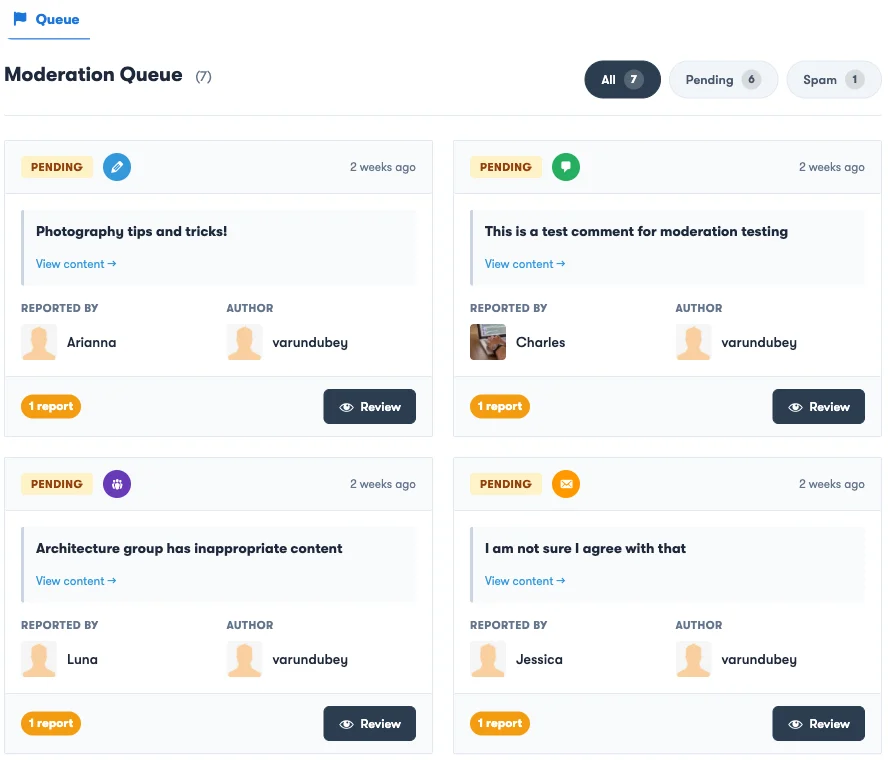
- A report from a member has nowhere to go. BuddyPress Moderation Pro
- Profane words slip into your feed. BuddyPress Profanity
- Some members will not post under their own name. BuddyPress Anonymous Activity
- A throwaway address should never reach your user table. Restrict Email Domain
- A username change arrives as a support ticket. Advanced Username Manager
Profiles and identity
Who your members are, and what they get to show.
- Default BuddyPress profiles ask too little. BuddyPress Profile Pro
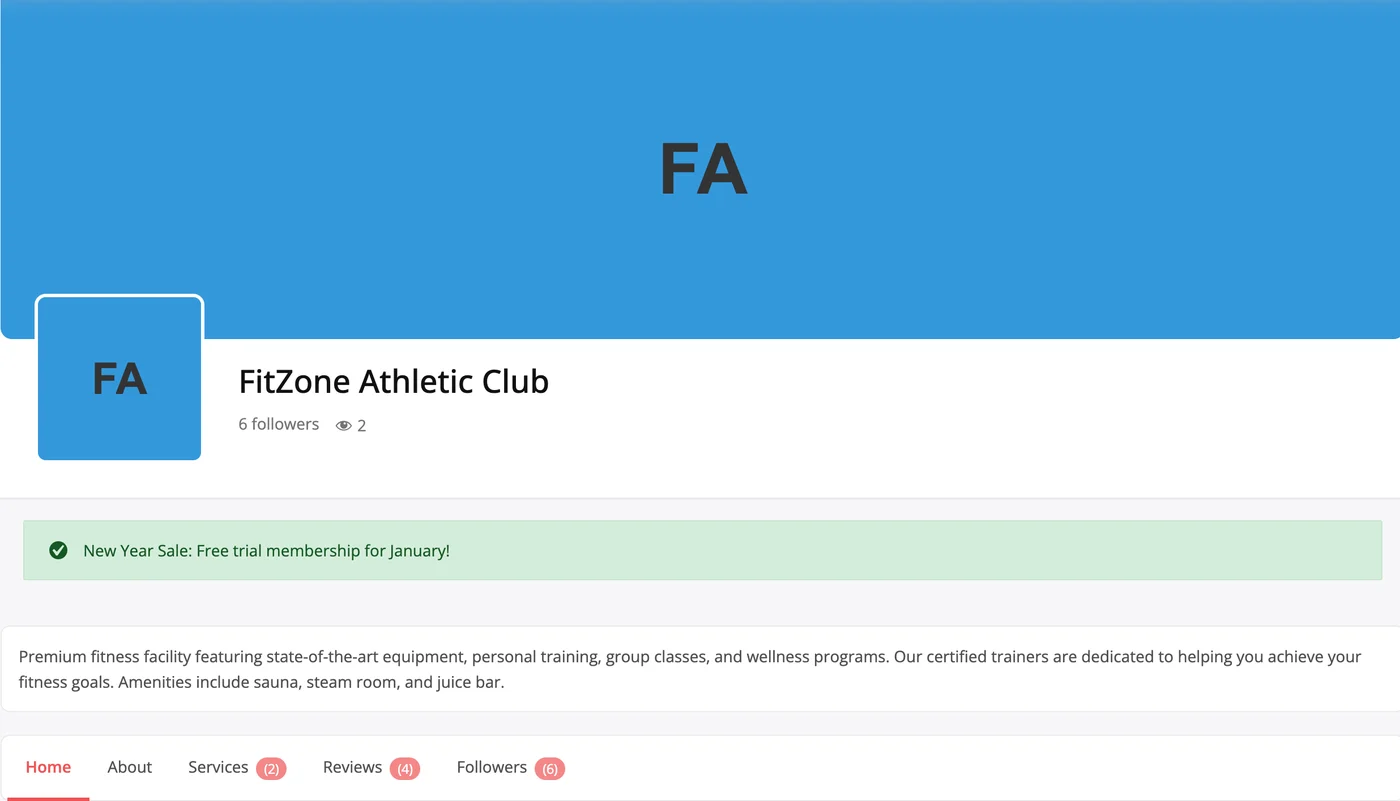
- Your members run businesses with nowhere to show them. BuddyPress Business Profile
- Members have no idea who is looking at their profile. Who Viewed My Profile
- Members want to publish, and you want to keep the audience. WB Member Blog Pro
Getting members to find each other
An empty first session is why people never come back.
- New members land on an empty profile and leave. BuddyPress Auto Friends
- Your members never find each other. Friend and Follow Suggestion
- Your members have locations but no map. BuddyPress Check-ins Pro
Access, commerce and insight
What members reach, what they can sell, what you can see.
- Everyone sees everything, whatever they paid. Private Community Pro
- Your community and your marketplace run as two sites. BuddyVendor
- Community content is trapped inside community pages. Shortcodes for BuddyPress Pro
- You are guessing at how active your community is. BuddyPress Statistics
The feed, and what members can post to it
Ten upgrades a plain activity stream does not have.
- Your activity feed is a wall of grey text. BuddyPress Quotes
- Members have no way to say what they are up to. BuddyPress Status
- Your members can only reply with text. BuddyPress Giphy
- Nothing in the feed is allowed to be temporary. WP Stories
- Your best post is buried by lunchtime. BuddyPress Sticky Post
- A typo in the feed is forever. BuddyPress Edit Activity
- Everything posts the moment it is written. BuddyPress Schedule Activity
- Your activity page is split across tabs. BuddyPress Newsfeed
- Your members type hashtags. Nothing happens. BuddyPress Hashtags
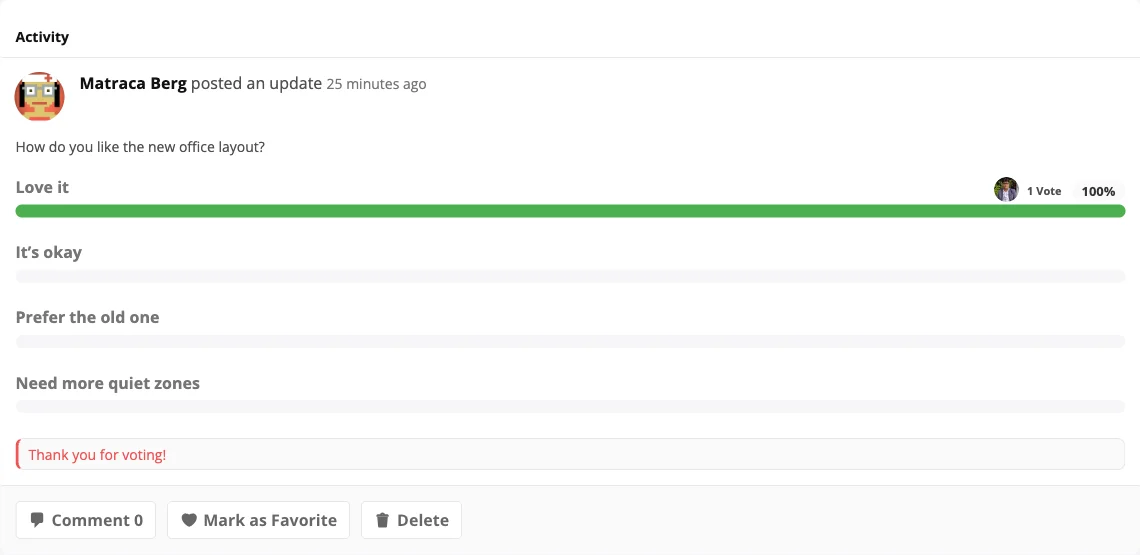
- You want a quick vote and end up embedding a survey tool. BuddyPress Polls
One license covers the whole stack, with one renewal.
How it fits your site
Built around BuddyPress, inside the WordPress you already run
The bundle does not replace your site. It extends BuddyPress, the free community plugin on WordPress.org, so the community shares your theme, your users and your domain.
- No per-member fees. The license is per site.
- Members, activity and groups live in your WordPress database.
- Your LMS, membership plugin and store stay where they are.
WordPress.org figures checked 17 September 2026.
- Your theme BuddyX, our free community theme with 250,000+ downloads on WordPress.org, or the theme you already use.
- Community Bundle 26 plugins that add moderation, feed upgrades, members-only areas, business pages and more.
- BuddyPress Profiles, activity, groups, messages and notifications. Free on WordPress.org, 90,000+ active installs. BuddyBoss Platform also works.
- WordPress Your hosting, your domain, your database. Members and posts stay in it.
What to have ready, and the order to set it up
Most sites only need the three basics. Four plugins ask for one more piece, so check them before you switch those on.
The bundle needs
- WordPress 6.6 or later
- PHP 8.0 or later
- BuddyPress or BuddyBoss Platform
Only if you use these
| Plugin | Also needs |
|---|---|
| WB Member Blog Pro | The free WB Member Blog plugin |
| BuddyVendor | Dokan, WCFM, WC Vendors or WC Product Vendors |
| BuddyPress Giphy | A Giphy API key |
| BuddyPress Check-ins Pro | A Google Maps key, or OpenStreetMap |
-
Check the prerequisites
BuddyPress or BuddyBoss Platform, WordPress 6.6+ and PHP 8.0+. A few plugins need more, listed on this page.
-
Install and activate
Upload and activate the plugins you want, then open each one to review its defaults.
-
Decide who gets in
Set profile fields, then choose which community areas are members-only and which email domains may sign up.
-
Upgrade the feed
Switch on hashtags, polls, stories and scheduled posts. The weekly top-quotes email is optional.
-
Set up moderation
Choose how many member reports hide a post, and which words get masked in the feed.
Who runs their community on this stack
- Course communities
- Lock community areas by LearnDash or LifterLMS enrollment, so only enrolled students reach the spaces you choose.
- Membership-site owners
- MemberPress, Paid Memberships Pro or WooCommerce Memberships levels decide who reaches which community areas.
- Coaches and consultants
- A private community for clients, with work-history profile fields, scheduled posts and a members-only feed.
- Brand communities
- Clickable hashtags and trending-tag widgets in the feed, and public business pages with LocalBusiness schema.
- Internal company communities
- Email-domain signup rules, members-only areas and anonymous posts for sensitive topics. Self-hosted in your own database.
- Agencies running community builds
- The Agency license covers unlimited sites for $599 a year, so every client build uses the same stack.
Comparing a specific route?
- Weighing BuddyBoss The same community stack on open BuddyPress What the bundle covers, and how the costs compare over time.
- On a hosted app Move a hosted community to your own site Keep members and posts in your own database, with no per-member bill.
- Choosing a theme BuddyX, the free community theme A theme built for BuddyPress, with 250,000+ downloads on WordPress.org.
Every community plugin in the bundle, on one license.
Pay once and own it forever, or pick the annual plan. All features included in every plan, no hidden add-ons.
- 1 site
- All 26 community plugins
- Updates and priority support, annual or lifetime
- Annual renewals at 30% off
- 5 sites
- All 26 community plugins
- Updates and priority support, annual or lifetime
- Annual renewals at 30% off
- Unlimited sites
- All 26 community plugins
- Updates and priority support, annual or lifetime
- Annual renewals at 30% off
The plugins keep working. Updates and support stop until you renew.
Annual licenses include a year of updates and support and renew at 30% off. Lifetime licenses are a one-time payment and never expire.
Before you build a community on WordPress
What do I need before installing the bundle?
What is the difference between a forum plugin and a community platform?
How much does it cost?
Can I make my community members-only?
Does it work with LearnDash, MemberPress and WooCommerce?
Does it run on BuddyBoss Platform?
Is WordPress better than a hosted community app?
What is BuddyPress?
Give your members a community on your own site
All 26 plugins on one license, with a 30-day money-back guarantee.